Local managed IT support

Managed IT Support for Grays Harbor and Pacific County Businesses

Silica IT provides managed IT support and practical technology services for local businesses and organizations that need reliable help without the cost of a full-time internal IT employee.

Serving Grayland, Westport, Aberdeen, Hoquiam, Elma, Montesano, Cosmopolis, Tokeland, Raymond, South Bend, Ocean Shores, Grays Harbor, Pacific County, and nearby coastal communities.

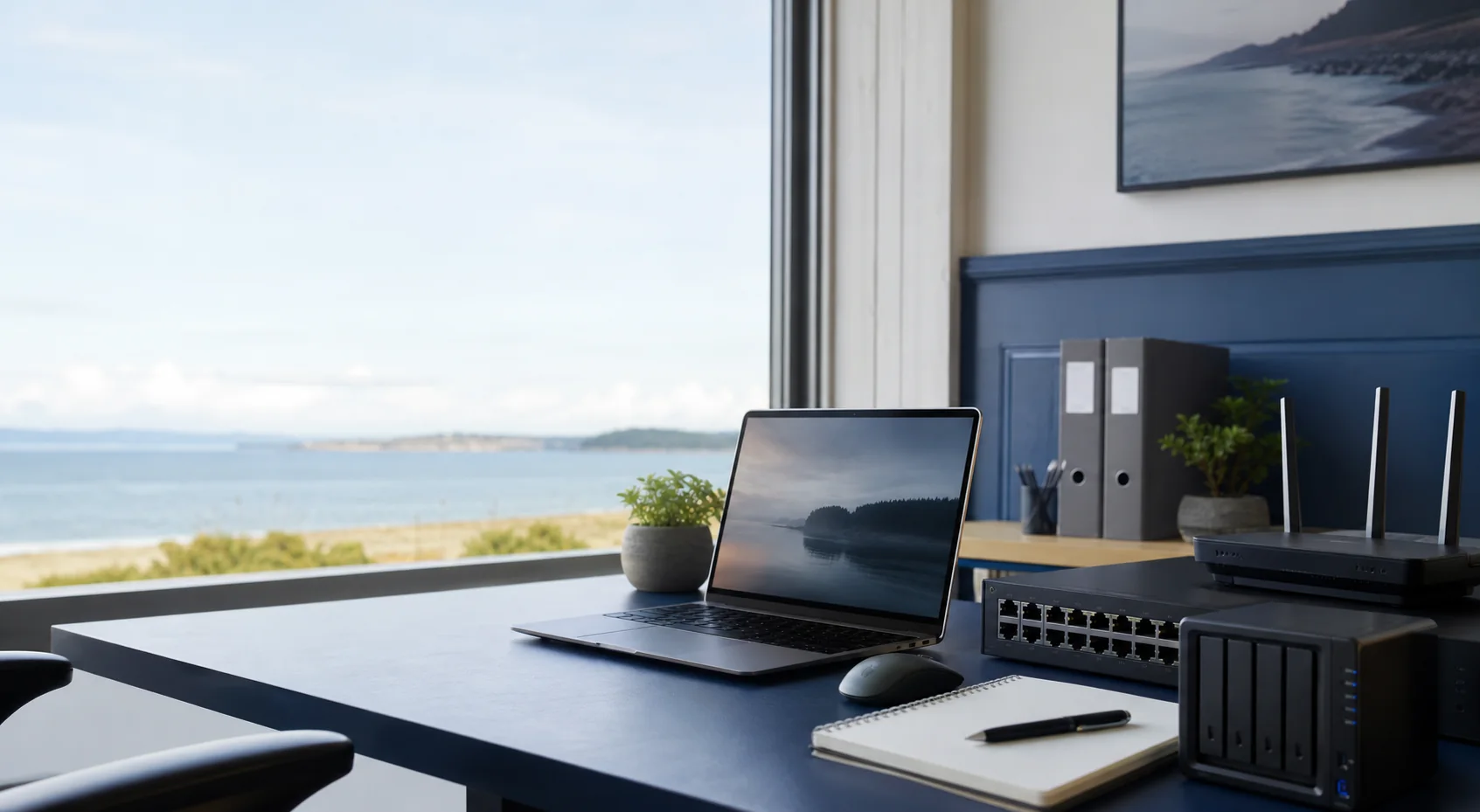
Business IT equipment on a small office desk near a coastal window
Approach

Managed IT support built around how your business actually runs

Silica IT provides managed IT support for local businesses and organizations that need dependable technology help without hiring a full-time internal IT employee. The work starts by understanding the real environment: computers, email, Microsoft 365, Wi-Fi, printers, phones, vendors, passwords, websites, old shortcuts, and the systems that just have to work.

  1. 01

    Understand the full environment

    Before making changes, I look at how your team actually works day to day. That includes users, devices, email, Microsoft 365, Wi-Fi, printers, software, vendors, shared accounts, websites, and the workarounds your business depends on.

  2. 02

    Support the day-to-day work

    Managed support means helping with the everyday issues that slow people down. That might mean restoring email access, fixing a workstation, troubleshooting a network issue, dealing with a printer, helping with a vendor, or tracking down the setting that is causing the disruption.

  3. 03

    Maintain a cleaner baseline

    Ongoing IT support works better when the basics are documented and maintained. That may include clearer account ownership, current DNS records, documented devices, cleaner Microsoft 365 settings, practical security settings, and vendor information that is easier to find when something breaks.

  4. 04

    Improve security and reliability over time

    Not every business needs a large IT project. When improvements make sense, I recommend practical next steps that make your setup easier to manage and more reliable, such as better backups, MFA, password management, cleaner user accounts, Wi-Fi improvements, device standards, or more consistent Microsoft 365 settings.

Why Silica IT

Managed IT support that stays practical

Silica IT focuses on the systems local teams rely on every day: Microsoft 365, business email, cybersecurity basics, computers, printers, networks, websites, vendors, and the day-to-day issues that need a steady IT partner.

Local MSP Support

Managed IT support from someone who understands the needs of local businesses and organizations in Grays Harbor and Pacific County.

Practical Managed Services

Clear recommendations focused on reliability, cybersecurity basics, and keeping your business running.

Business-Focused IT

Help with the systems your staff actually use every day, without unnecessary complexity.

Reliability

Technology should work consistently and support the way your business operates.

Security

Strong security basics can make a major difference for organizations of any size.

Clarity

You should understand what is being done and why it matters.

Practicality

Recommendations should fit the size, budget, and needs of the business.

Need managed IT support for your business?

Send a message with what you need supported, cleaned up, or improved, and Silica IT will get back to you as soon as possible.

Contact Silica IT
Services

Managed IT Services for Local Businesses and Organizations

Choose a service area to see how managed support, setup work, and practical technology help fit together.

01

Managed IT Support

Managed IT support for local businesses and organizations that need reliable technology help without the cost of a full-time internal IT employee. Silica IT can help with day-to-day issues, user setup, device support, vendor coordination, documentation, and practical maintenance that keeps common systems working.

Ongoing supportUsers and devicesVendor coordination

Common requests

Managed IT SupportManaged IT ServicesMSPBusiness IT SupportRemote IT SupportOn-Site IT SupportComputer support and servicesComputer SetupPrinter Setup

Useful outcome

A consistent IT support relationship that helps keep business technology reliable.

02

IT Consulting & Planning

Straightforward IT consulting for decisions around systems, vendors, accounts, devices, Microsoft 365, networking, cybersecurity basics, and support planning. Silica IT can help sort out what is worth doing now, what can wait, and how to make technology choices that fit the business.

IT consultingTechnology planningVendor decisions

Common requests

IT ConsultingTechnology planningVendor guidanceSystem reviewIT cleanup planningProject scoping

Useful outcome

Clearer technology decisions without turning every question into a large project.

03

Microsoft 365 & Email Setup

Setup, cleanup, and ongoing support for the Microsoft 365 pieces most organizations rely on every day, including mailboxes, Outlook, shared access, domains, email migration, and practical security configuration.

Business emailEmail migrationOutlook and domains

Common requests

Microsoft 365 SetupMicrosoft 365 AdministrationBusiness Email SetupEmail MigrationOutlook SetupShared Mailbox Setup

Useful outcome

Cleaner email systems with settings that are easier to support.

04

Networking & Wi-Fi

Practical network support for offices, shops, and service locations that need reliable connectivity. This can include troubleshooting, Wi-Fi coverage planning, equipment setup, basic network documentation, and coordination with internet providers.

Routers and switchesWi-Fi coverageInternet issues

Common requests

Small Business Network SetupWi-Fi SetupNetwork TroubleshootingWi-Fi TroubleshootingBusiness Network SupportRouter and Firewall SetupVoIP Phone Setup

Useful outcome

More stable connectivity for staff, devices, and business systems.

05

Cybersecurity Basics, Backup & Security

Business-friendly cybersecurity and backup improvements that reduce risk without overwhelming the organization. Start with the basics, then grow into stronger controls when the need is there.

Cybersecurity basicsMFABackup planning

Common requests

Cybersecurity basicsBackup planningMFA setupPassword managementEndpoint basicsAccount security reviewSecurity settings cleanup

Useful outcome

Better protection against avoidable data loss and account compromise.

06

New Computer & Workstation Setup

New machines should be ready for real work and easier to support later. Silica IT can configure Windows workstations, business applications, printers, email, user access, and baseline security settings.

Windows setupBusiness appsPrinters and email

Common requests

Computer SetupPrinter SetupOutlook SetupBusiness app setupUser account setupWorkstation configuration

Useful outcome

New computers that are prepared consistently from the start.

07

Domain, DNS & Website Support

Support for the behind-the-scenes domain and DNS settings that connect websites, email, verification records, and cloud services. Silica IT can also help with basic website needs when they overlap with the business technology environment.

DNS recordsDomain emailWebsite connections

Common requests

Domain SetupDNS ConfigurationWebsite SetupBusiness Email SetupEmail recordsWebsite connections

Useful outcome

Domain and website settings that match what your business systems need.

08

Password Management & Account Security

Account security support for organizations that need safer password practices, shared access cleanup, MFA, and better habits around who can reach sensitive systems.

Password vaultsAccess cleanupMFA rollout

Common requests

Password managementMFA rolloutAccess cleanupShared account reviewUser account cleanupSecurity settings cleanup

Useful outcome

Safer access without adding unnecessary friction for staff.

09

Vendor & Software Support

When an issue crosses between vendors, software, internet service, websites, phone systems, and internal systems, Silica IT can help gather details, ask the right questions, and keep the resolution moving.

Vendor coordinationISP supportCloud services

Common requests

Vendor coordinationSoftware supportISP supportPhone provider supportWebsite provider supportCloud service supportIssue documentation

Useful outcome

Less time stuck between providers when something breaks.

About

About Silica IT

Brandon Henness, owner of Silica IT

Brandon Henness

Owner, Silica IT

Owner-led, locally focused support

Silica IT is owner-led by Brandon Henness, providing direct, practical help from a consistent point of contact. That means less handoff, more context, and support that can adapt as the organization grows.

Silica IT is a local managed service provider for businesses and organizations in Grays Harbor and Pacific County. Many teams depend on reliable technology every day but do not need or cannot justify a full-time internal IT employee.

Silica IT helps bridge that gap with clear, practical managed support for computers, email, Microsoft 365, networking, Wi-Fi, backups, cybersecurity basics, websites, vendors, and more advanced improvements when the need is there.

Managed support without full-time IT

Ongoing IT help for organizations that need dependable support without building an internal IT department.

Direct and practical

A consistent point of contact focused on plain-language answers, useful documentation, and fixes that fit the business.

Everyday and project-ready

Help with common issues like email, computers, Wi-Fi, and printers, plus setup, migration, security, and cleanup projects when the timing is right.

Contact

Get Managed IT Help for Your Business

Need ongoing IT support, help with Microsoft 365 or email, cybersecurity basics, networking, computers, printers, websites, vendors, or a larger technology project? Send a message and Silica IT will get back to you as soon as possible.

0 / 3,000

Protected by Cloudflare verification before sending.

Service area map

View on Google Maps